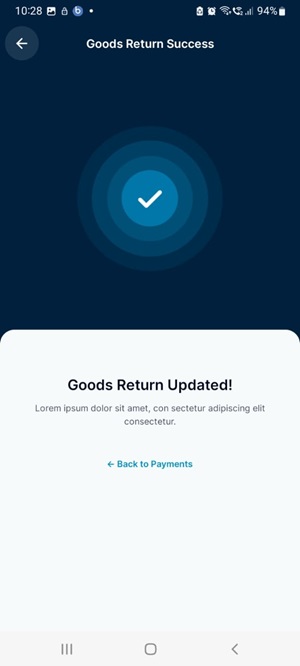
Goods Return
Follow the simple steps for goods return:
- Web
- Android/iOS
Step 1: Log in to your ReputeInfo account.
Step 2: Click on the Goods Return tab in the left-hand sidebar.
Step 3: Select customer you want to goods return.
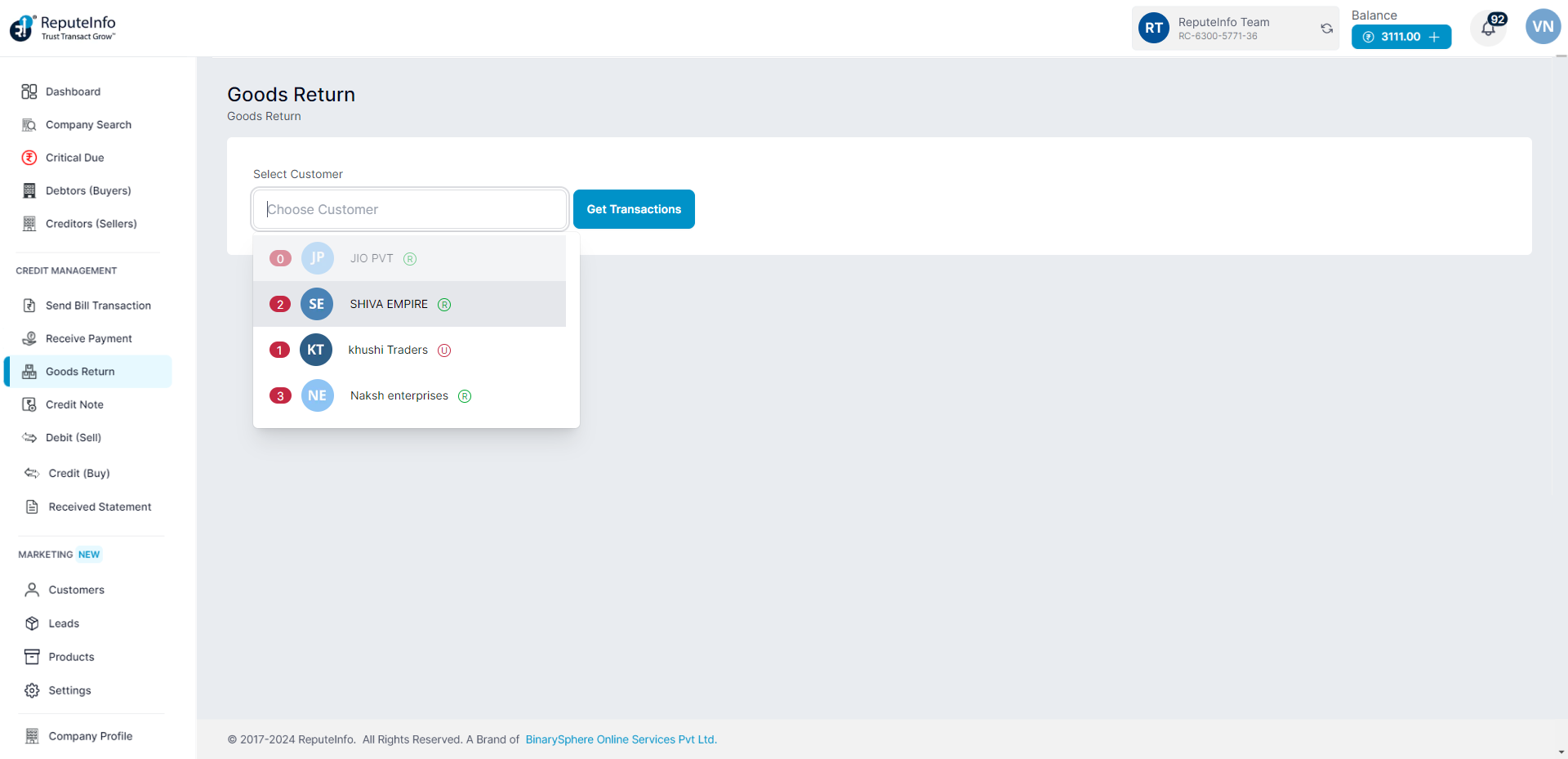
Step 4: Click on the Get Transactions button.
Step 5: A goods return form will appear.
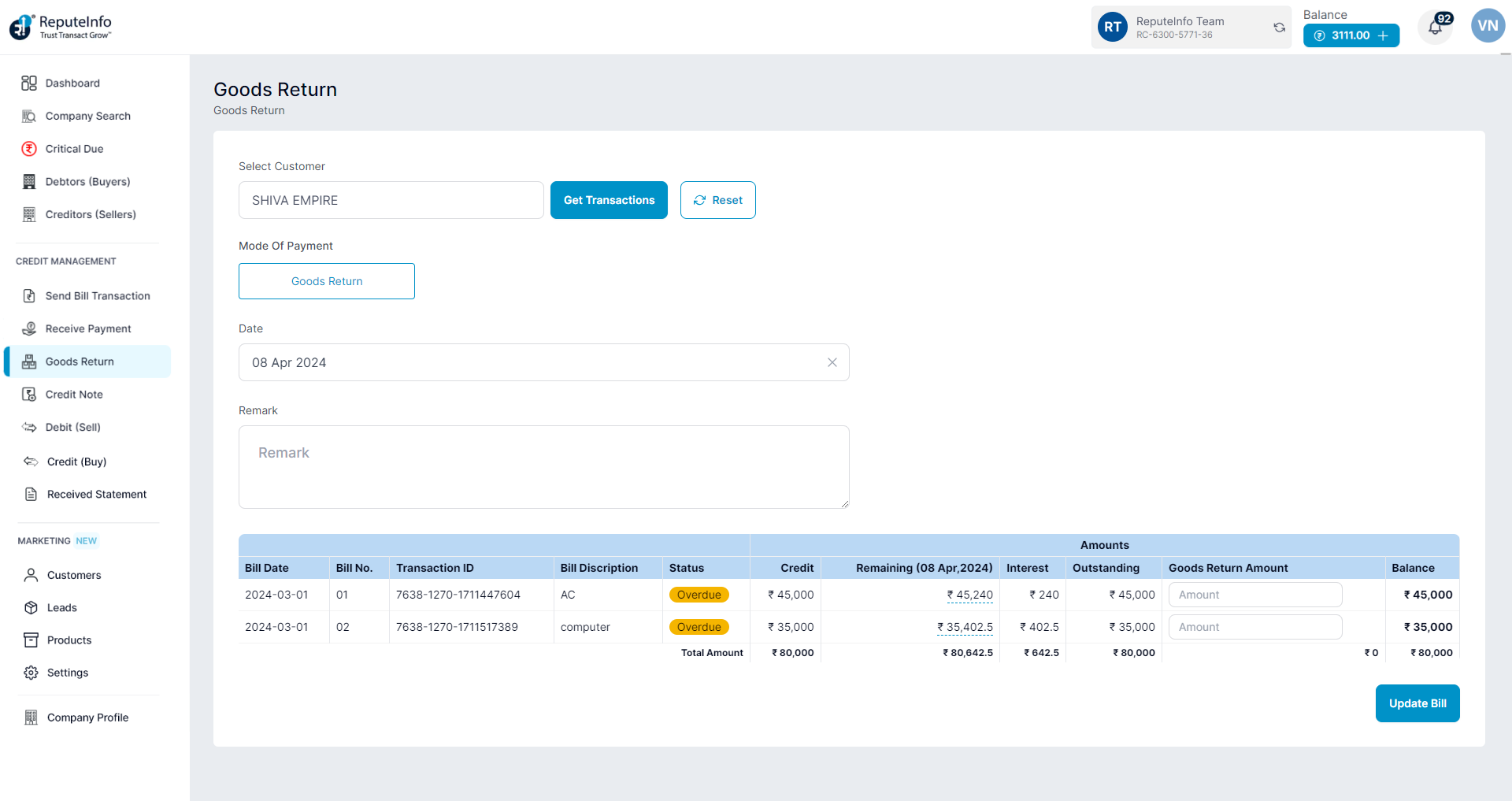
Step 6: Select Customer,choose date and remark fill.
Step 7: Now, you will see the goods return amount Amount field fill the amount.
Step 8: Click on the Update Bill button.
Step 1:Log in to your ReputeInfo account.
Step 2:Click on the goods return.
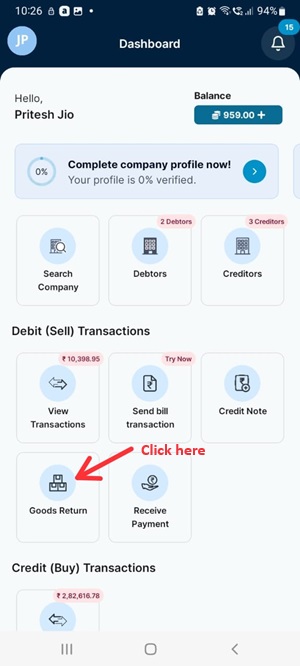
Step 3: Select company you want to goods return.
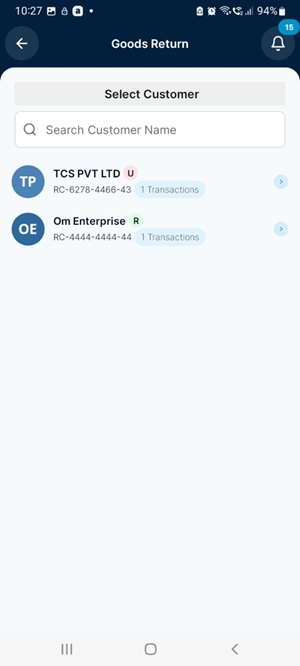
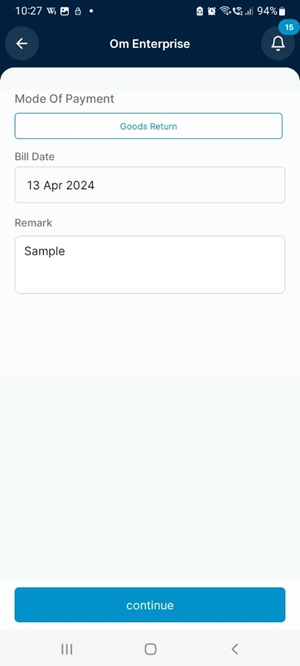
Step 4: Fill the remark and continue.
Step 5: Now, you will see the goods return amount Amount field fill the amount.
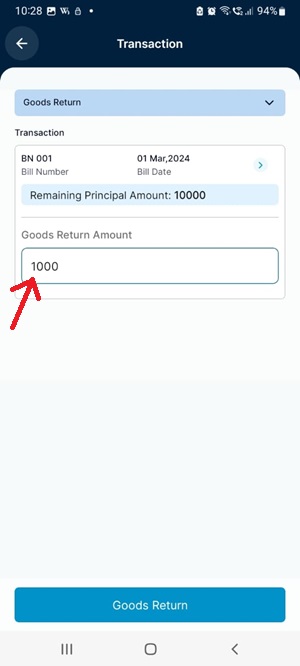
Step 6: Click on the Goods Return button.
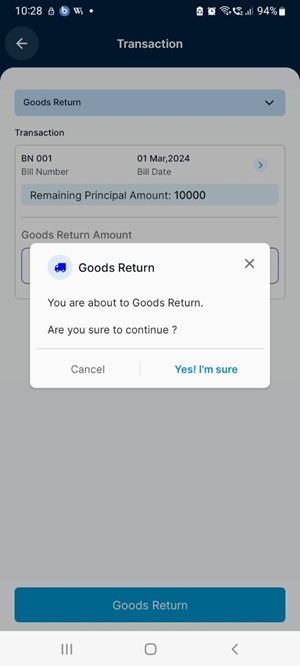
Step 7: Confirm.